
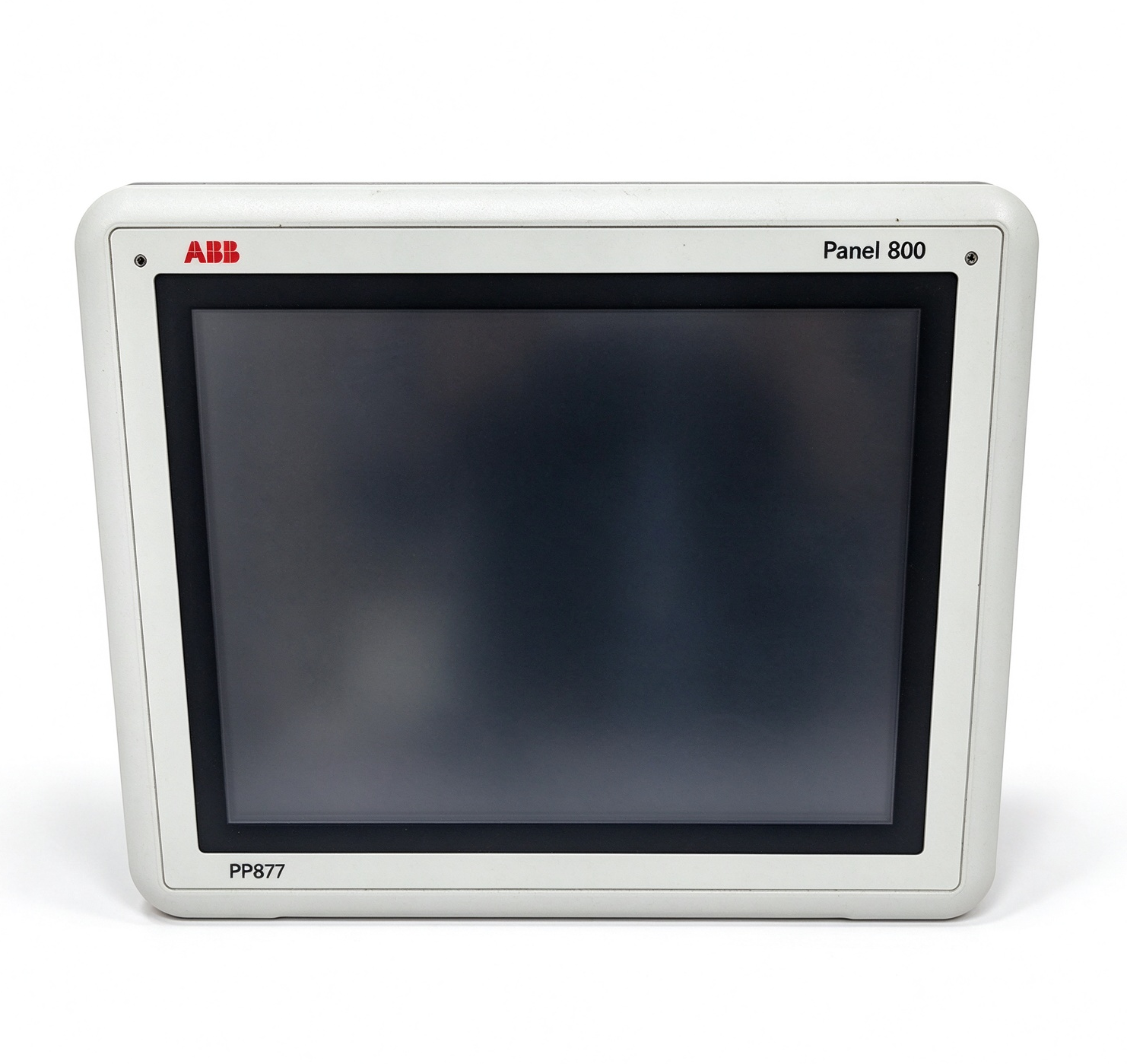
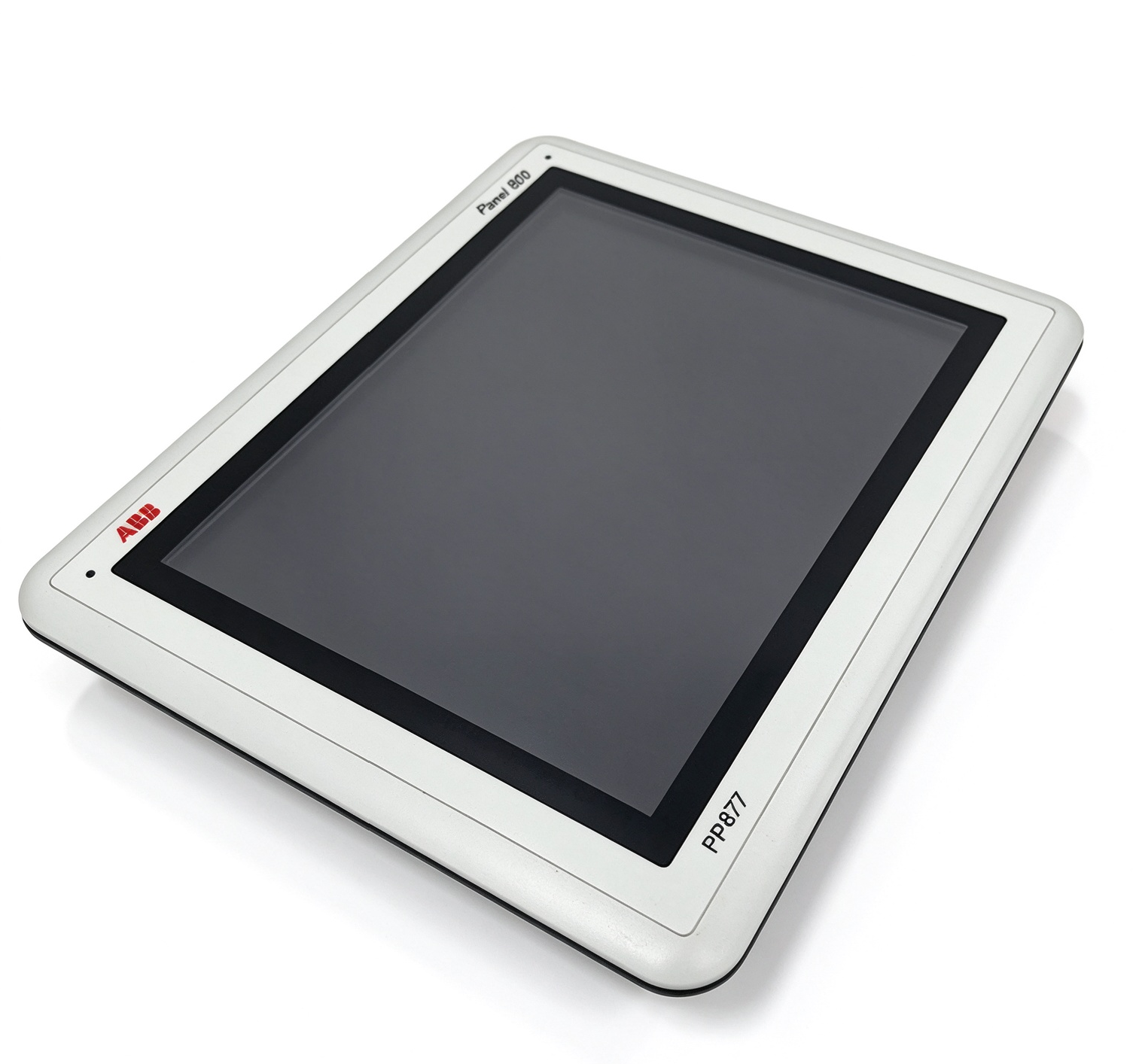
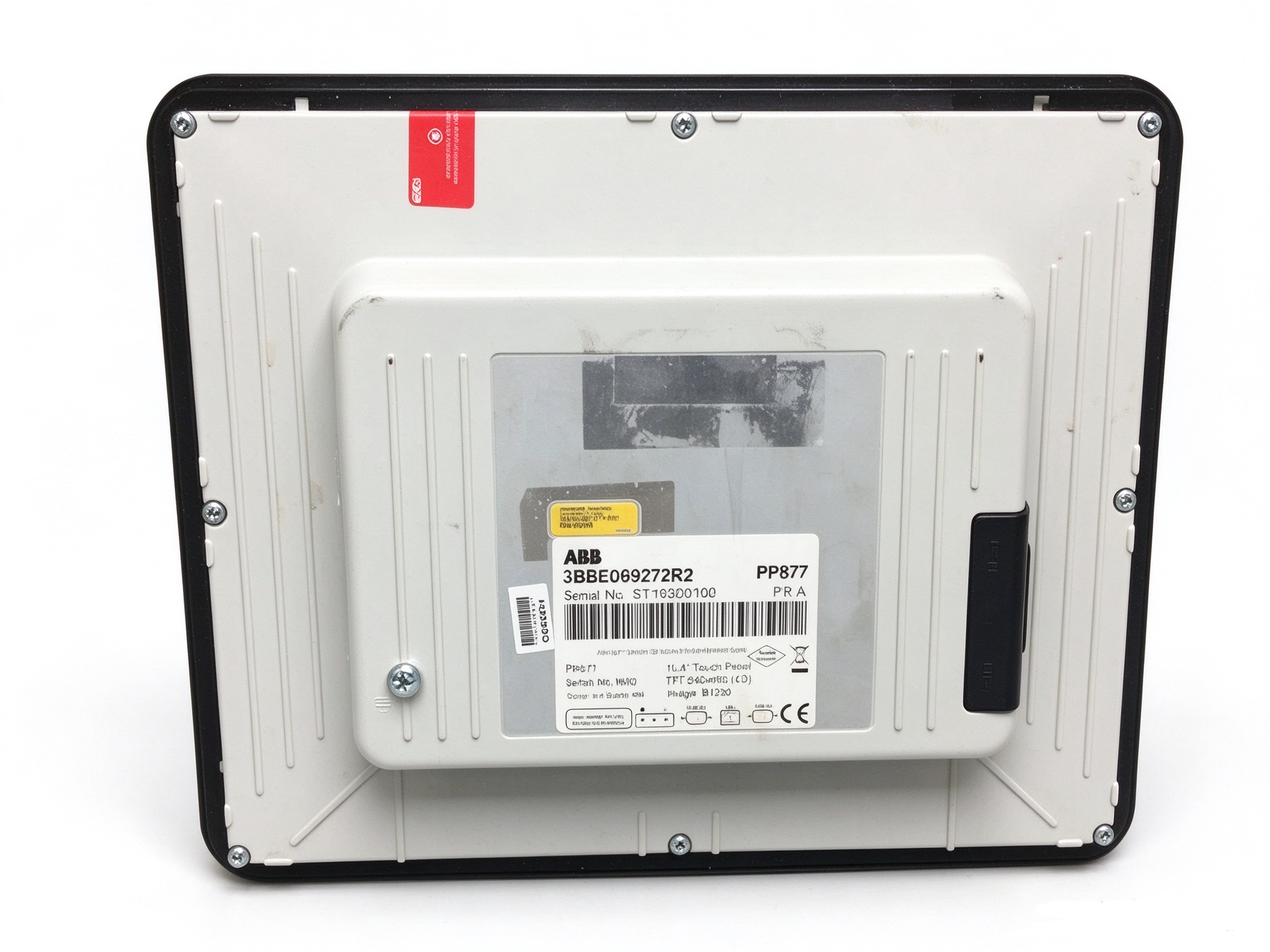
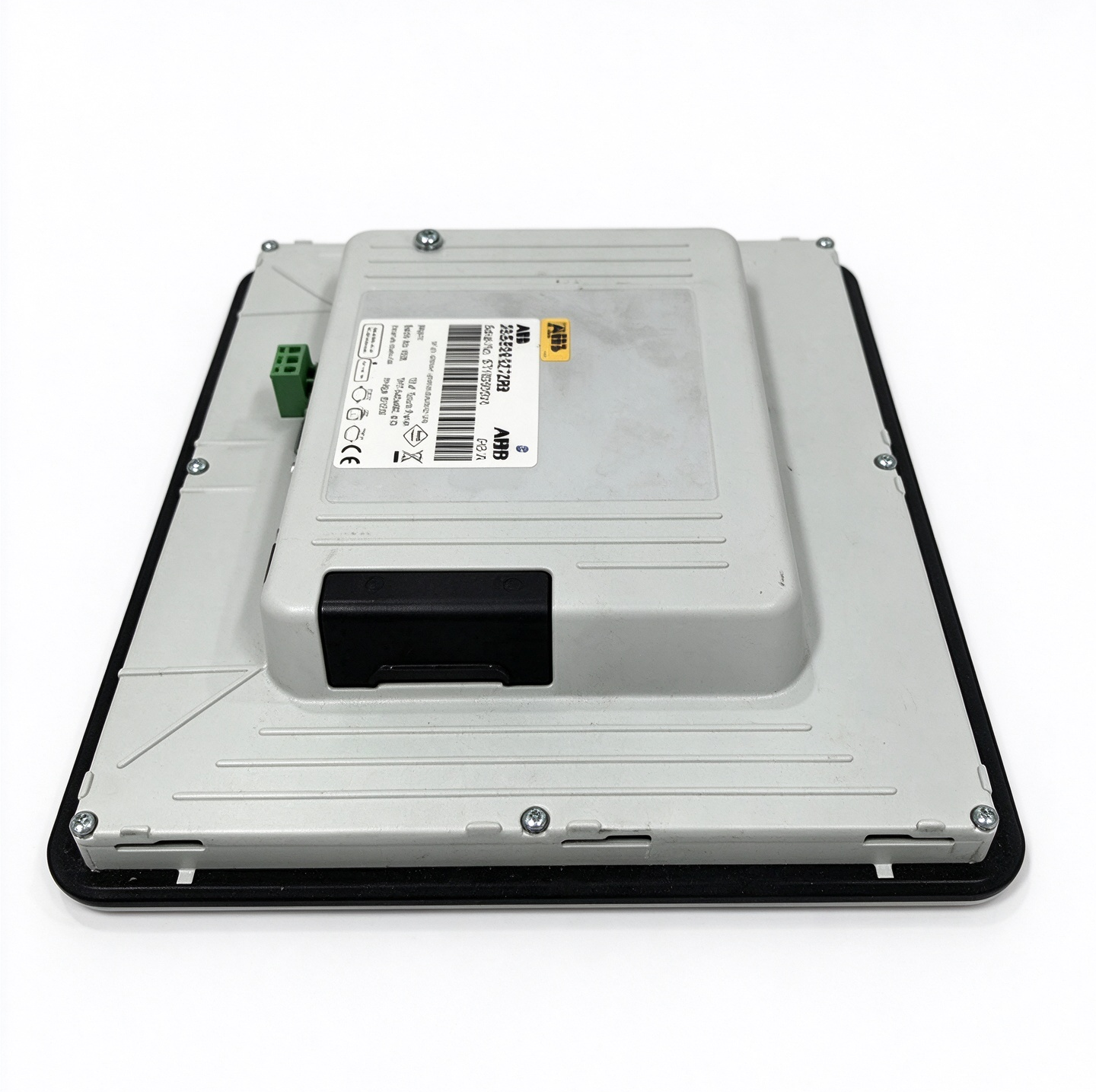
ABB 3BSE069272R2 PP877 10.4-Inch Touch Panel
The ABB 3BSE069272R2 PP877 is an industrial operator panel
belonging to the Panel 800 Version 6 product family. Designed
for human-machine interaction in automation environments,
it provides a local interface through which operators can
view process information and interact with configured
equipment functions.
The PP877 features a 10.4-inch TFT-LCD display with a
640 × 480 resolution and resistive touchscreen technology.
Ethernet, serial communication interfaces, and a 24 V DC
power supply support integration into compatible industrial
control installations. Its suitability for a particular
application depends on the control system, software
configuration, and communication requirements.
Product Overview
Human-machine interface panels provide a connection between
industrial automation systems and the personnel responsible
for monitoring and operating equipment. They present
configured information in a visual format and allow users
to interact with the application through the display or
dedicated input controls.
The ABB PP877 is part of the Panel 800 Version 6 family.
Its display and communication facilities are intended for
supported operator-panel applications. Depending on the
installed project, an HMI can present equipment status,
process values, alarms, operating instructions, and other
information required for local supervision.
The ordering number 3BSE069272R2 identifies this particular
PP877 panel. Correct product identification is important
when checking an existing installation, reviewing equipment
documentation, or selecting a replacement. Similar model
numbers within the Panel 800 family may refer to panels
with different screen sizes, operating methods, or
physical dimensions.
Display and Touchscreen
The PP877 uses a 10.4-inch TFT-LCD display with a
640 × 480 pixel resolution and a 4:3 aspect ratio.
The display supports 64K colors and has a documented
brightness of 450 cd/m². These characteristics provide
a visual platform for configured process graphics,
numerical values, status indicators, and operator
interface screens.
The panel uses resistive touchscreen technology.
Operators can select displayed controls by touching
the relevant screen area. The manufacturer specifies
support for up to one million finger-touch operations.
Actual usability depends on the screen layout, application
design, environmental conditions, and maintenance of
the display surface.
The display’s viewing angles are specified as 160 degrees
horizontally and 140 degrees vertically. Appropriate
panel positioning remains important because reflections,
lighting conditions, and viewing distance can affect
readability in an industrial cabinet or operator station.
The PP877 should be configured using the appropriate
Panel Builder 800 software version and project settings.
The display hardware alone does not define the screens
or operating functions available to an operator. Those
functions depend on the application developed for the
target automation system.
Communication Interfaces
The PP877 provides communication interfaces for connection
to compatible industrial systems and devices. Its documented
Ethernet interface is a shielded RJ-45 10/100 Base-T
connection. The panel also provides serial communication
through combined RS-232 and RS-422/485 interfaces.
These connections allow the configured application to
exchange data with supported equipment.
Communication settings must be selected according to
the intended controller, device, and application protocol.
Physical interface availability does not automatically
guarantee compatibility with every controller or field
device. Protocol support, addressing, connection settings,
and driver requirements should be checked in the relevant
Panel Builder documentation.
The panel also includes a USB 2.0 interface with a
documented maximum current of 200 mA. An SD card slot
is provided for supported external storage media.
The available functions of these interfaces depend on
the software version and the procedures supported by
the installed application.
During installation, verify cable type, connector
assignment, communication parameters, and network
configuration. Changes to an existing control network
should follow the approved engineering design and
maintenance procedures.
Memory and Processing Resources
The published Panel 800 Version 6 data sheet specifies
an ARM9 processor operating at 400 MHz for the PP877,
with 128 MB of DDR2 main memory and 80 MB of application
memory. A real-time clock is also included.
These resources support the panel’s configured HMI
runtime and application functions. The actual behavior
of the interface depends on the project design, the
software environment, and the volume of information
presented by the application. Screen organization,
communication configuration, and appropriate project
design all contribute to effective operation.
When maintaining an existing installation, record the
software version and project configuration before
making changes. A replacement panel may require the
appropriate application files and compatible engineering
software to restore the intended operator interface.
Power Supply and Environmental Characteristics
The PP877 uses a nominal 24 V DC power supply, with
a documented input range of 18 to 32 V DC. Its listed
power consumption is 9.6 W. The supply must be suitable
for the panel and installed in accordance with the
applicable electrical requirements.
The manufacturer specifies front protection of IP66
and rear protection of IP20. These ratings describe
different sides of the panel and must be considered
when planning cabinet installation. The front protection
rating depends on correct mounting and the condition
of the installation surface and sealing arrangement.
The rear of the unit requires an appropriate enclosure
environment.
The documented operating temperature range is
-10°C to +60°C, with relative humidity of 5% to 85%
non-condensing. The storage temperature range is
-20°C to +70°C. Installation conditions should remain
within the manufacturer’s specified limits.
The panel is designed for industrial operator-interface
applications, but environmental suitability must be
assessed for the actual installation. Excessive moisture,
condensation, contamination, unsuitable power quality,
or temperatures outside the specified range can affect
equipment operation and service life.
Installation and Configuration
Before installation, verify the full product number
and confirm that the PP877 is suitable for the intended
control system. Check the panel cut-out, mounting
arrangement, cabinet depth, cable clearance, and
accessibility of the connectors. The PP877 has documented
overall dimensions of approximately 280 × 228 × 51 mm
and a panel cut-out of approximately 262 × 209 mm.
Isolate the relevant power supply before connecting
or disconnecting wiring. Follow the equipment’s
electrical safety procedures and use suitable
installation practices. Ensure that the mounting
surface is prepared correctly and that the front
sealing arrangement is not compromised.
After mounting, connect the DC supply and communication
cables according to the approved wiring plan. Configure
the panel with the appropriate engineering software,
project, and communication parameters. Verify that
the application matches the controller and equipment
with which the panel will communicate.
Following commissioning, check display operation,
touchscreen response, communication status, and the
accuracy of the information shown on the configured
screens. Test operator commands according to the
site’s commissioning procedures before returning
the equipment to normal service.
Maintenance and Troubleshooting
Regular inspection helps maintain the panel’s
usability and installation integrity. Check the
display for damage, confirm that touch input works
correctly, and inspect accessible connectors and
mounting points. Keep the front surface clean using
a method suitable for the manufacturer’s display
and sealing requirements.
If the panel does not start, check the DC supply
and wiring against the documented voltage range.
If the screen operates but communication fails,
review the Ethernet or serial connection, protocol
selection, addressing, and project configuration.
If touch input is inaccurate, investigate the screen
condition, application layout, and relevant system
settings.
A blank screen, communication alarm, or unresponsive
control should not automatically be attributed to
a hardware fault. The controller, network, project
file, software version, and connected equipment
may also contribute to the observed problem.
Troubleshooting should follow the applicable ABB
documentation and site procedures.
Replacement and Compatibility
When replacing an existing PP877, confirm the full
ordering code, panel dimensions, power requirements,
communication interfaces, and software compatibility.
A panel from the same product family may have a
different display size or cut-out dimension and
therefore may not be a direct mechanical replacement.
The original HMI project and associated configuration
should be checked before changing hardware. Verify
that the project can be used with the replacement
panel and the installed Panel Builder 800 version.
Also confirm that communication settings and
connected-device requirements remain valid.
Correct identification and configuration help preserve
the intended operator interface and reduce the risk
of unexpected behavior after replacement. Final
compatibility should be established from the relevant
ABB documentation for the specific installation.
Technical Specifications Summary
- Manufacturer: ABB
- Model: PP877
- Order number: 3BSE069272R2
- Product family: Panel 800 Version 6
- Display: 10.4-inch TFT-LCD
- Resolution: 640 × 480 pixels
- Display colors: 64K
- Touch technology: Resistive touchscreen
- Main memory: 128 MB DDR2
- Application memory: 80 MB
- Ethernet: 1 × shielded RJ-45, 10/100 Base-T
- USB: 1 × USB 2.0, maximum 200 mA
- Serial interfaces: 2 combined ports supporting RS-232 and RS-422/485
- Power supply: 24 V DC, allowable range 18–32 V DC
- Power consumption: 9.6 W
- Protection rating: IP66 front, IP20 rear
- Operating temperature: -10°C to +60°C
Conclusion
The ABB 3BSE069272R2 PP877 is a 10.4-inch industrial
operator panel in the Panel 800 Version 6 family.
Its resistive touchscreen, Ethernet and serial interfaces,
and 24 V DC power supply support local monitoring and
control in compatible automation applications. Correct
installation, appropriate project configuration, and
verification of communication compatibility are
essential for reliable operation.

评价
目前还没有评价